 Available Now
Roller Coaster
Grades 3–82 hrs
Design a safe roller coaster with a loop that lasts at least 13 seconds.
- Forces
- Energy
- Design
Built for grades 3–8
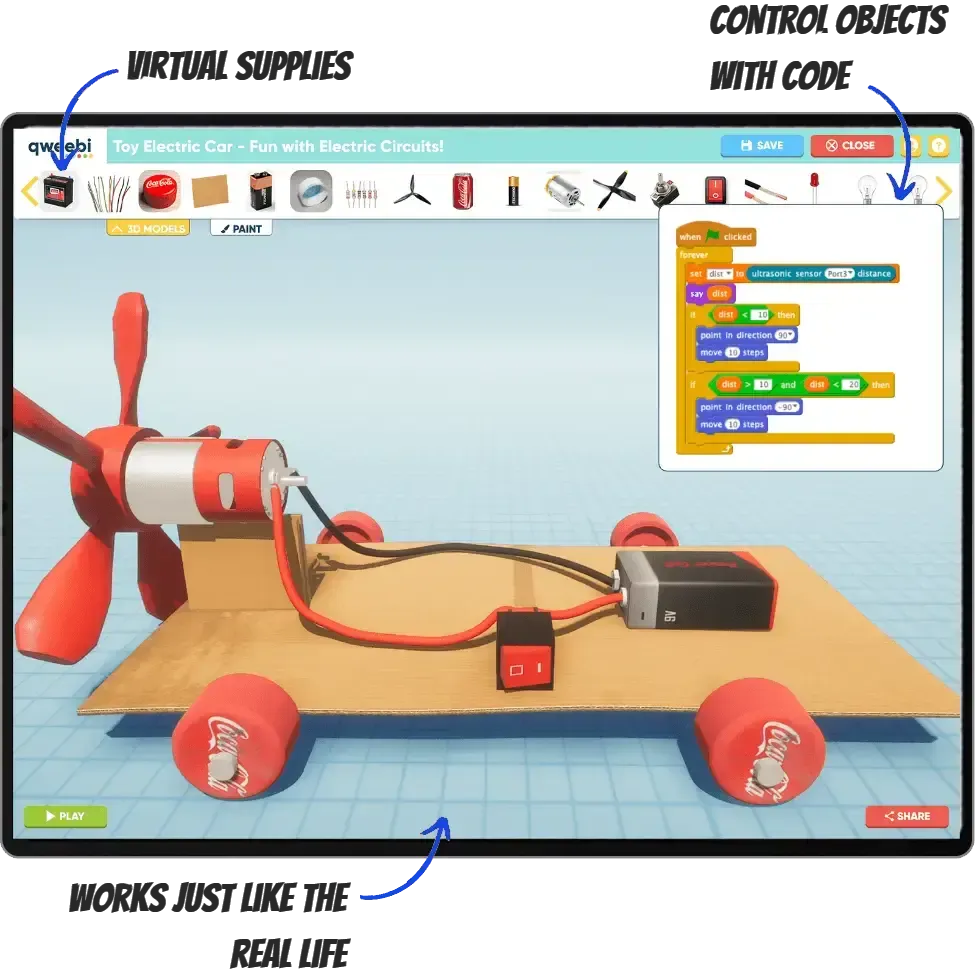
Qweebi is an online makerspace where students design, build, test, and improve STEM projects right in their browser.
Trusted by
4,500+ schools
Teachers in
all 50 U.S. states
Designed to comply with
COPPA & FERPA
Projects aligned to
NGSS & CSTA
From finding the right project to showcasing student work, it’s all in one place.
1Plan
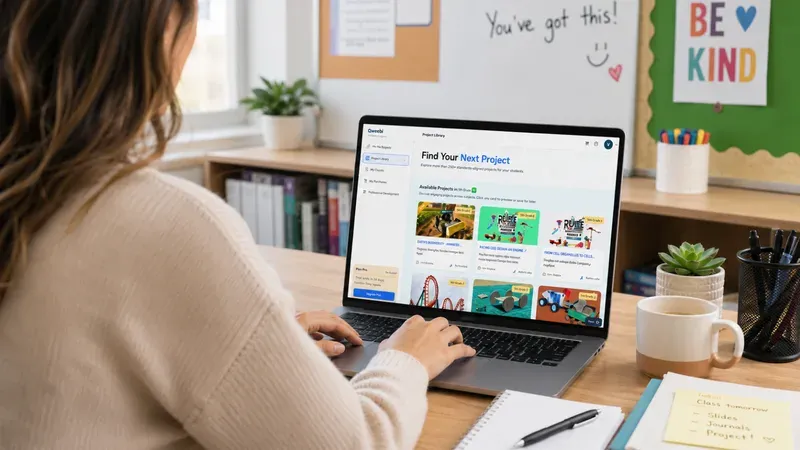
Explore a growing library of projects for grades 3–8.
Teacher slides, guides, and student journals, all included.
2Teach
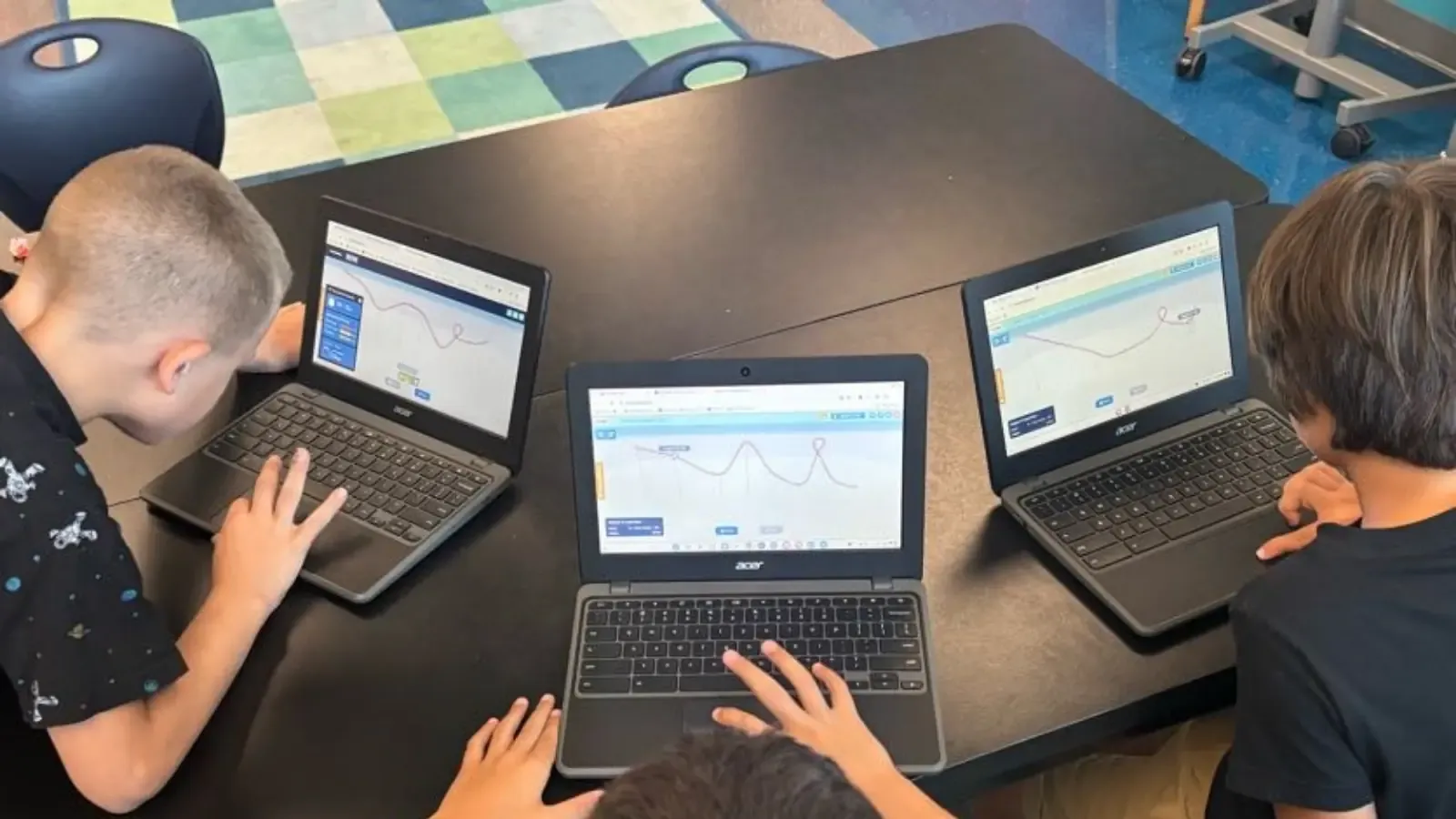
Create classes, assign projects, and guide each lesson.
Students design, build, test, and improve in the online makerspace.
3Review & showcase
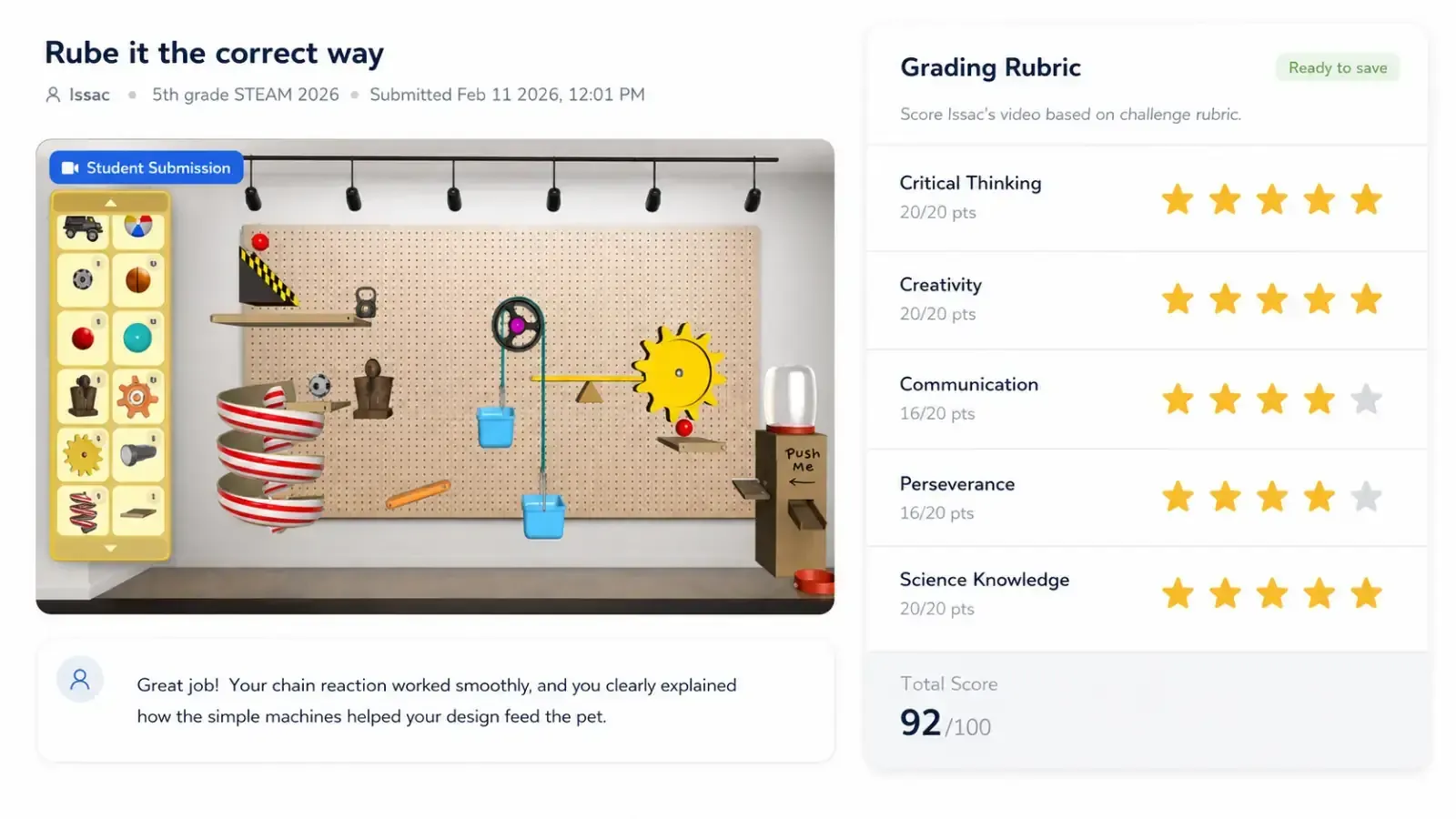
View submissions, assess with a built-in rubric, and give feedback.
Share student show-and-tell videos with families and school leaders.
Every project takes students from curiosity to a finished build they can explain.
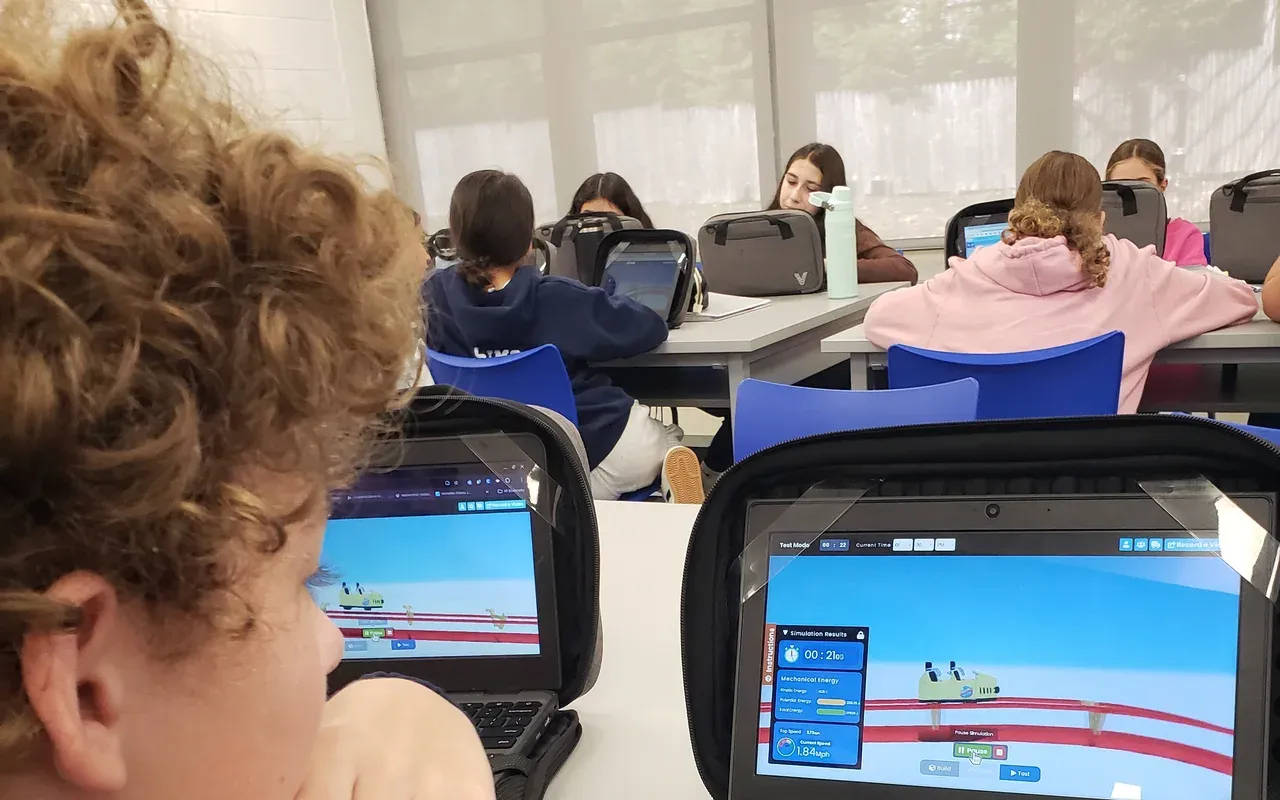
Students begin with a real-world video that sparks curiosity and introduces the challenge.
Students explore the key concepts through teacher-led instruction and built-in challenges.
Students build their solution in Qweebi's online Makerspace, then test and refine it.
Students share what they built, explain what they learned, and reflect on their design.
Whatever your schedule, prep time, or comfort with STEM, Qweebi helps you make it work.
No kits, materials, setup, storage, or cleanup.
Teacher slides, guides, and student journals keep prep manageable.
Projects work across short class periods, and student progress is saved.
Built-in instruction helps teachers lead each lesson with confidence.
Runs in the browser on Chromebooks, Windows, and Mac, with nothing to install.
Pick something that fits your grade, topic, and class time.
Available NowDesign a safe roller coaster with a loop that lasts at least 13 seconds.
 Available Now
Build a Rube Goldberg Machine that uses simple machines to feed a pet!
 Available Now
Design and build a Mars rover that can carry rock samples across harsh terrain!
 Available Now
Program a robot to clear rocks off a farm and get it ready for planting!
Hear from teachers running Qweebi with their own students.

Fits short class periods
“I teach eight 30-minute classes a day on a five-day rotation. Qweebi gave my students a project they could stop and restart digitally, with nothing to store. It solved the actual constraint of my job.”
Ann Hajost
STEM & Technology Resource Teacher
Spring Park Elementary, Florida
Read the full story
Students did not want to stop
“The first time I ran the Roller Coaster project, kids asked if they could skip recess to keep working. It was a beautiful day outside, and they didn't want to go.”
Allison Hill
K–5 STEM Teacher
Derby, Connecticut
Read the full story
No STEM expertise required
“You don't need to be an expert, and you don't have to run it exactly the way it's suggested. I'm not an engineer, and I'm not a gamer, and I was genuinely nervous the first time.”
Lori Prohaska
4th Grade Math & Science Teacher
Near Cleveland, Ohio
Read the full story
A simpler way to run STEM
“A carload of foam pipe insulation took enormous time to prepare, and I had nowhere to store sixty half-built coasters. That's what sent me looking for another way.”
Liz Sisler
Elementary STEAM Instructor
Des Moines Christian School, Iowa
Read the full storyYour 2 free projects include unlimited classes and students, with no credit card required. Plans for the whole school year start at $599.
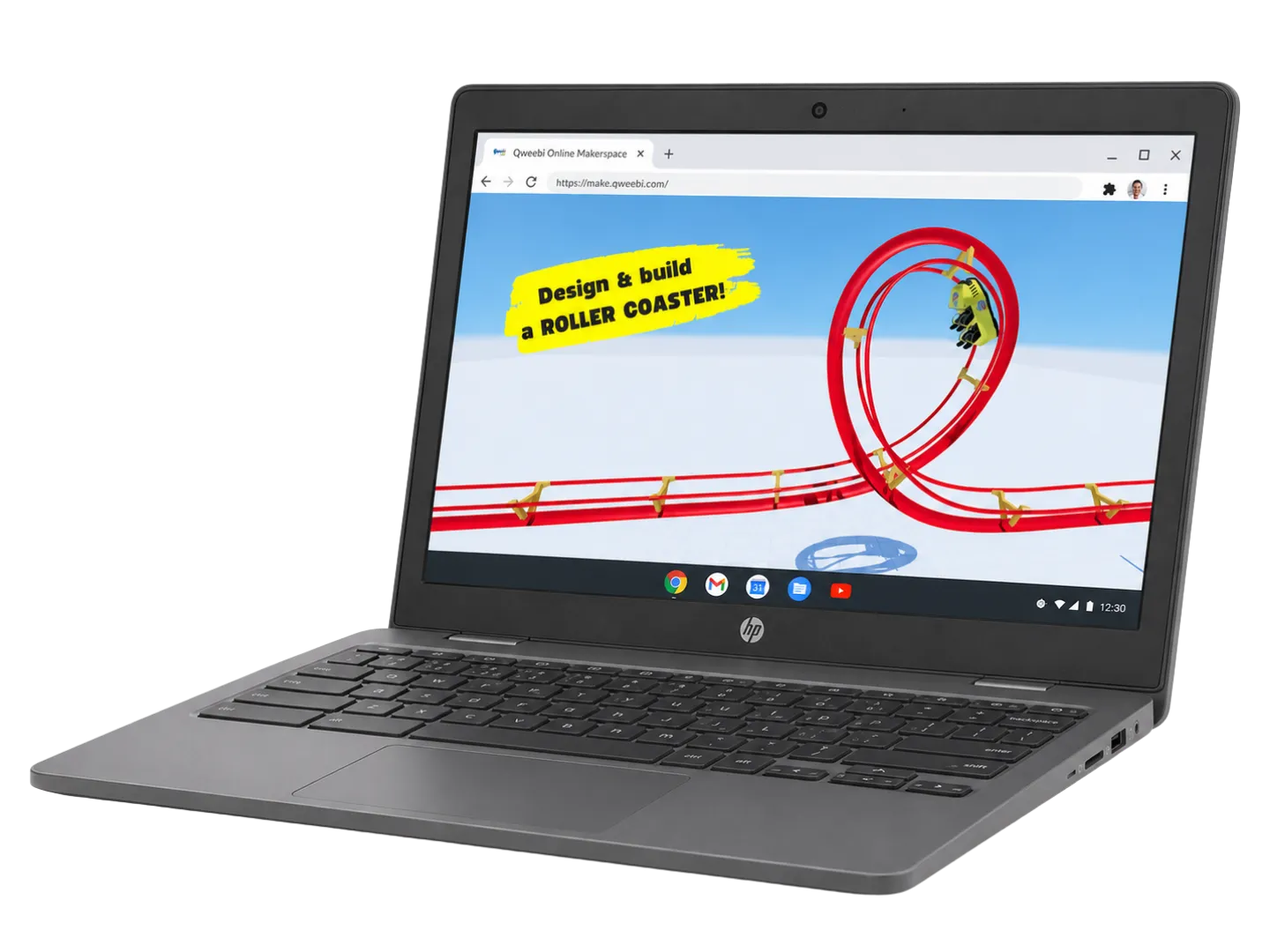
Try 2 projects free, with unlimited classes and students — no kits, no setup, nothing to lose.
Have questions? Talk to our team